Home page
You can manage all your submissions, assessments and selections from the home page.
Before you begin
You'll see the home page immediately after you log in.
Example home page
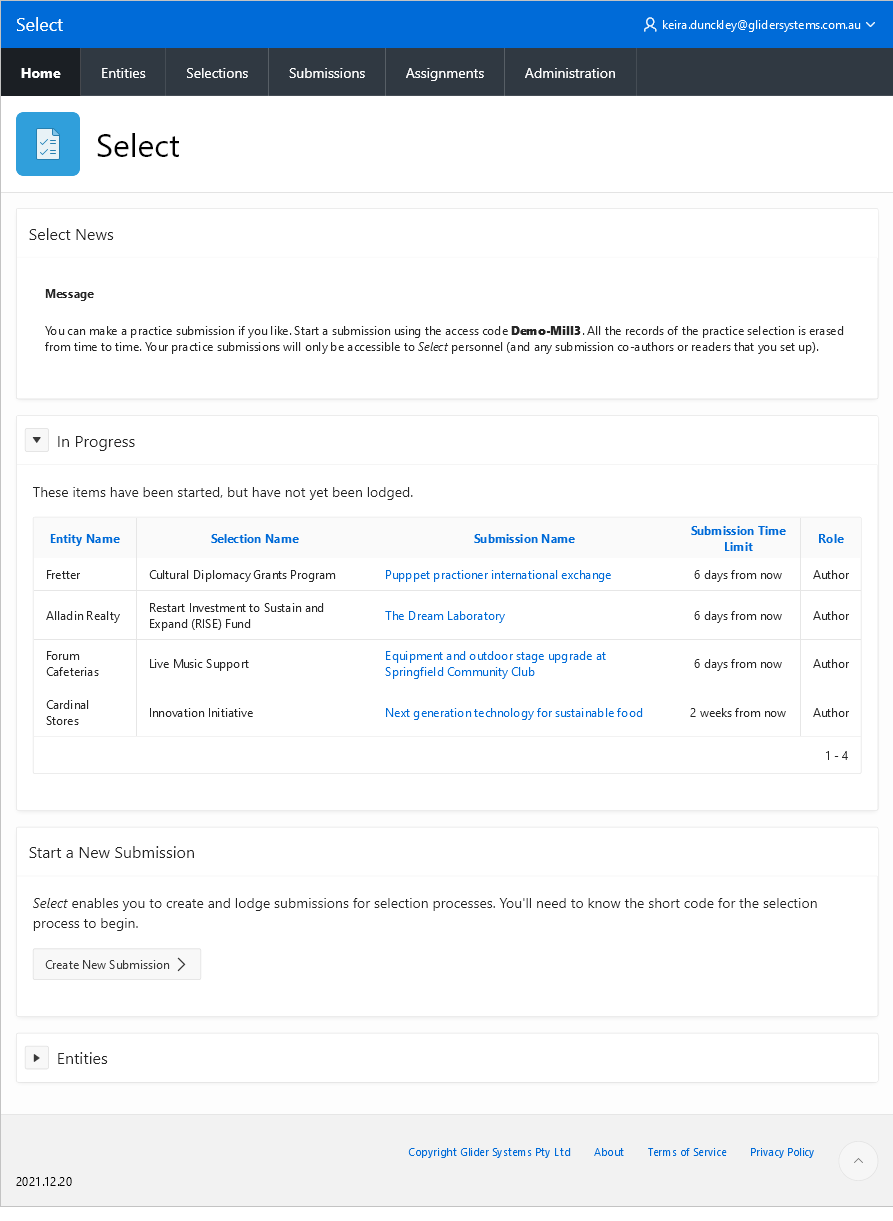
Here's an example of a home page for someone with submissions in progress.
Across the top
At the top of the page, you'll see:
A personal menu, with profile and logout options
A menu bar, with items tailored to your situation
In the middle
In the middle, you'll see:
Announcements from Select
A list of submissions in progress (not yet lodged)
- To filter the list, enter some text in the box and press ‘Go’
A button for starting a new submission
A button for starting a new entity (business or agency).
At the bottom
Information about the Select app is linked from the bottom of the home page.
References: P120